

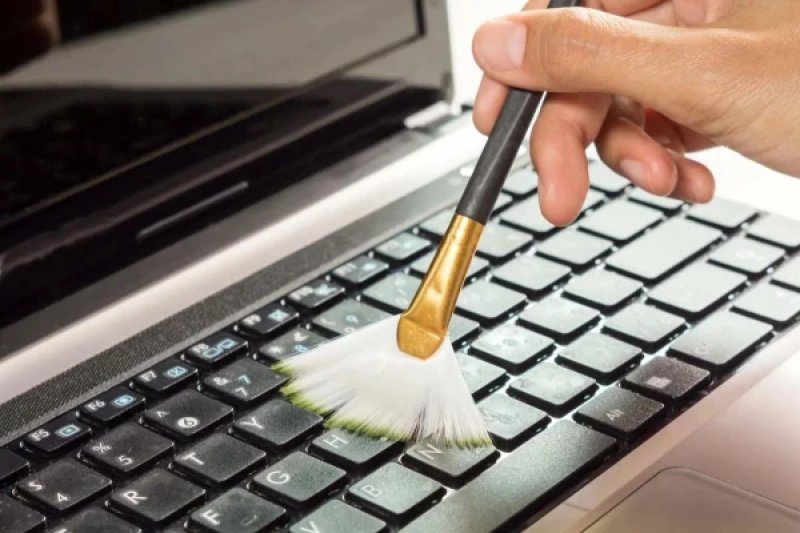
Even with careful handling, a laptop keyboard gradually becomes dirty. However, it is not necessary to buy expensive special cleaning products — just a few simple accessories that are found in almost every home will suffice. ### What You Will Need For keyboard maintenance, experts recommend using: * a soft brush with synthetic bristles; * a microfiber cloth; * a can of compressed air; * isopropyl alcohol with a concentration no higher than 70%. Before starting, the laptop must be completely turned off and unplugged. If the battery is removable, it is also advisable to take it out. ### How to Properly Clean the Keyboard First, turn the laptop upside down with the keyboard facing down — this will help remove crumbs and dust without pushing them deeper into the casing. Then, gently clean the space between the keys with a soft brush or blow it out with short bursts of compressed air. After that, wipe the surface of the keys with a dry or slightly damp microfiber cloth. If there are greasy fingerprints on the keys, apply a small amount of isopropyl alcohol to the cloth and only then clean the keyboard. Experts warn: do not pour liquid directly onto the keys and do not use high-concentration alcohol — it can damage the protective coating. ### When It’s Better Not to Experiment If some keys have started to stick, do not rush to remove them yourself. On most modern laptops, the attachments are very fragile, and without experience, they can be easily broken. You should only disassemble the keyboard if the manufacturer has provided for such an option. ### If Liquid Is Spilled on the Laptop If plain water gets inside, you must immediately turn off the laptop, disconnect the power, and turn the device upside down with the keyboard facing down. It is recommended to leave it in this position for at least a day. If sweet drinks — juice, soda, tea, or coffee with sugar — have spilled inside, experts advise contacting a service center as soon as possible. Sugar leaves a sticky residue inside the mechanism that cannot be completely removed without professional cleaning. Regularly cleaning the keyboard takes only a few minutes but helps maintain its functionality and extend the laptop's lifespan. The main thing is to use soft materials, avoid pouring liquid on the device, and not attempt to disassemble the keys unnecessarily.